Quickstart
Connect a repository, create a project, and take a small task through the dashboard.
Complete installation and authenticate a provider first. Open the host at http://127.0.0.1:4317.
Connect a repository
Open Repository settings from the project overview. Select a local Git repository, then choose its default branch, provider, and available model settings. Save the defaults.
The folder must be a Git repository on the host machine. A path on your phone or another client is not a path on the host.
Try a small task
Return to the overview and select New project. Choose quick work and enter a small, reviewable task, such as:
Add a description of the existing test commands to the README. Check the commands against package.json and explain which ones run browser tests.
Choose the repository and branch you configured. Quick work gives the main agent one direct work item and starts without a planning approval gate.
Read the conversation as the agent works. Answer questions or permission requests when they appear. You can stop the current run, adjust the available agent settings, and resume.
Start with a plan
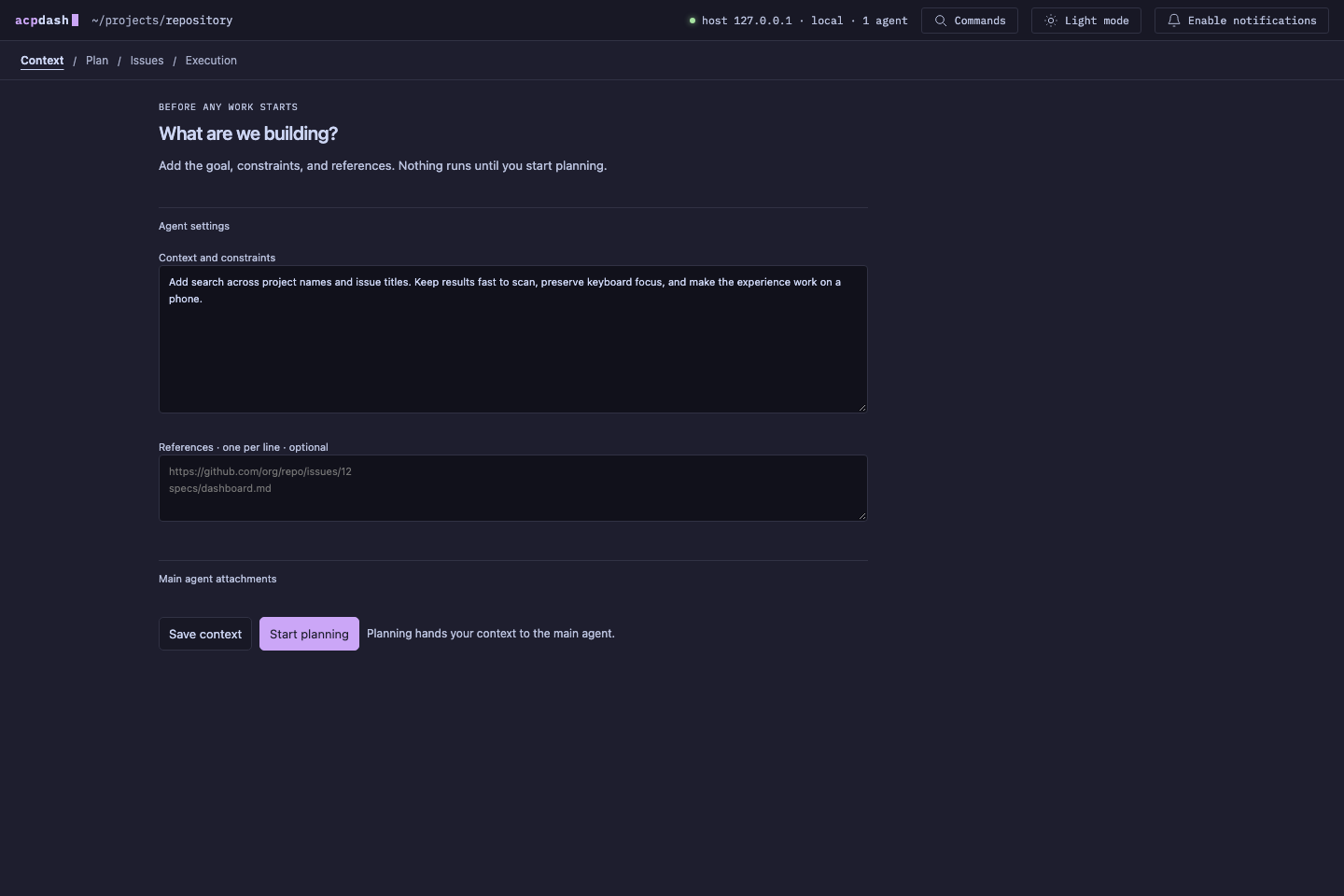
For work that needs an agreed approach, select Create plan instead. Enter the goal, constraints, references, and any attachments. Save context keeps the brief without starting an agent. Start planning asks the main agent to write the plan.
When the plan is ready, select a passage to comment on it, or add overall feedback. Send feedback for a revision. Approving the plan starts the issue breakdown; the proposed issues have a separate approval step before implementation.
Review a result
Open the result’s evidence to inspect screenshots, previews, recorded checks, or its pull request. Check which commit was tested and whether the verification is current.
Passing results can be accepted automatically when work and required verification finish. If you enable result approval on a work item, it waits for your review. Send result feedback when the implementation needs another pass.
Child agents publish their own branches and pull requests. The main agent’s direct quick-work commit does not require a pull request. See projects and workflow for dependencies and stacked work.
Return to your projects
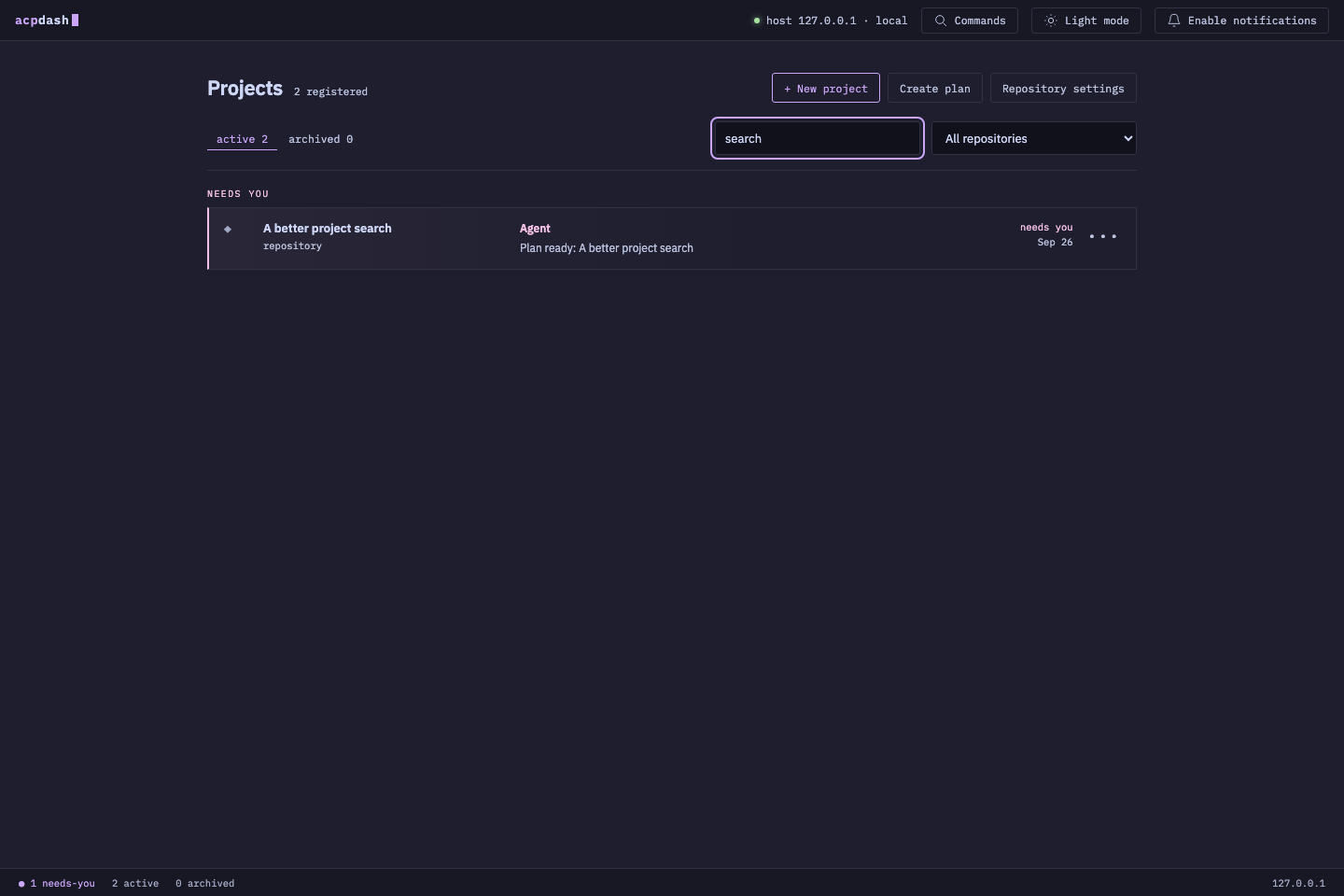
Use the overview to find active projects and requests that need your attention. Search projects by name and open a conversation to continue where you left off.