A clear view
of every agent.
Give your coding agents a place to work.
Review their plans, follow the work, and see the proof. All on your own machine.
Self-hosted · macOS & Linux · Web & iOS
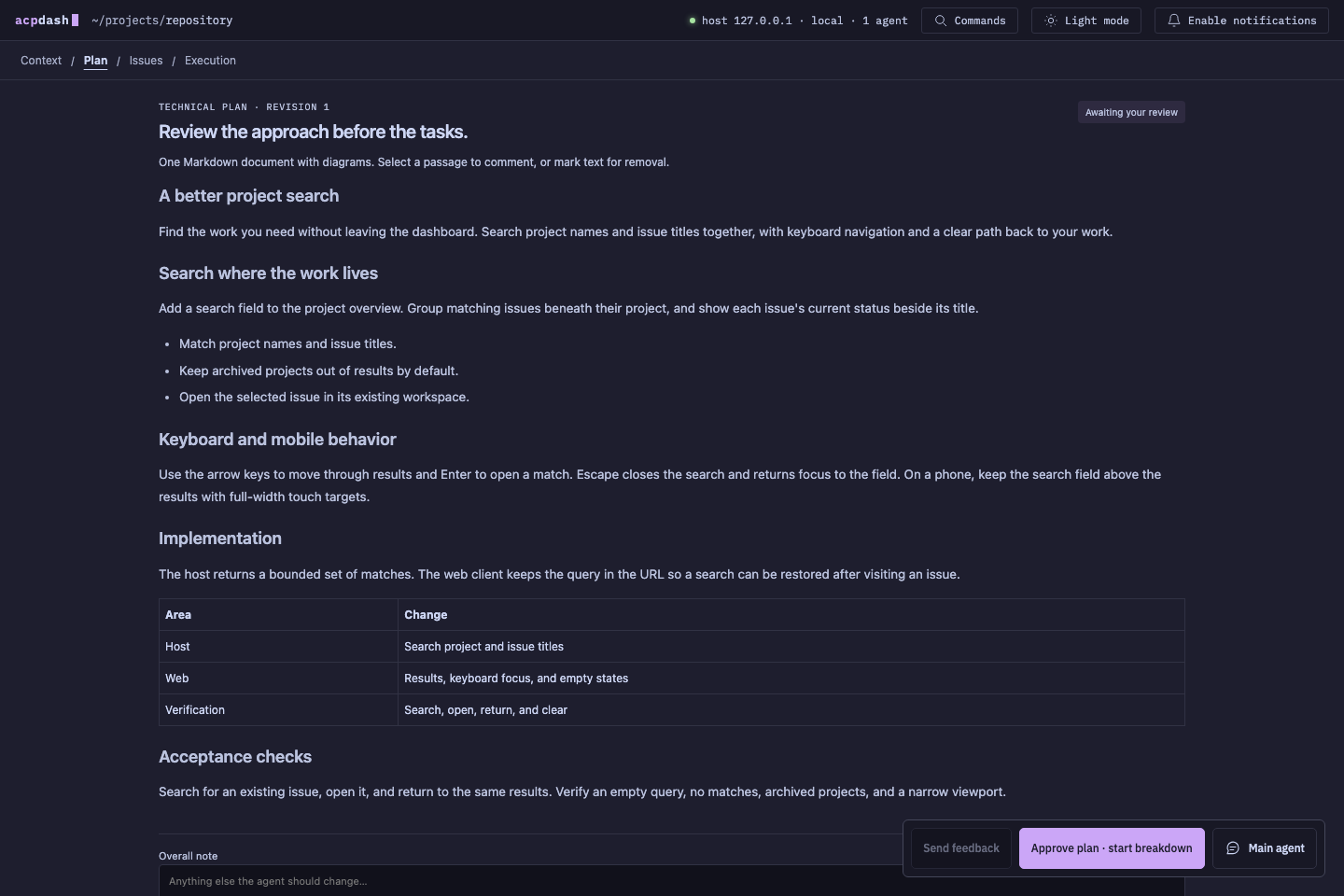
Read the technical plan, comment on exact passages, then approve the work.Demo project · real interface
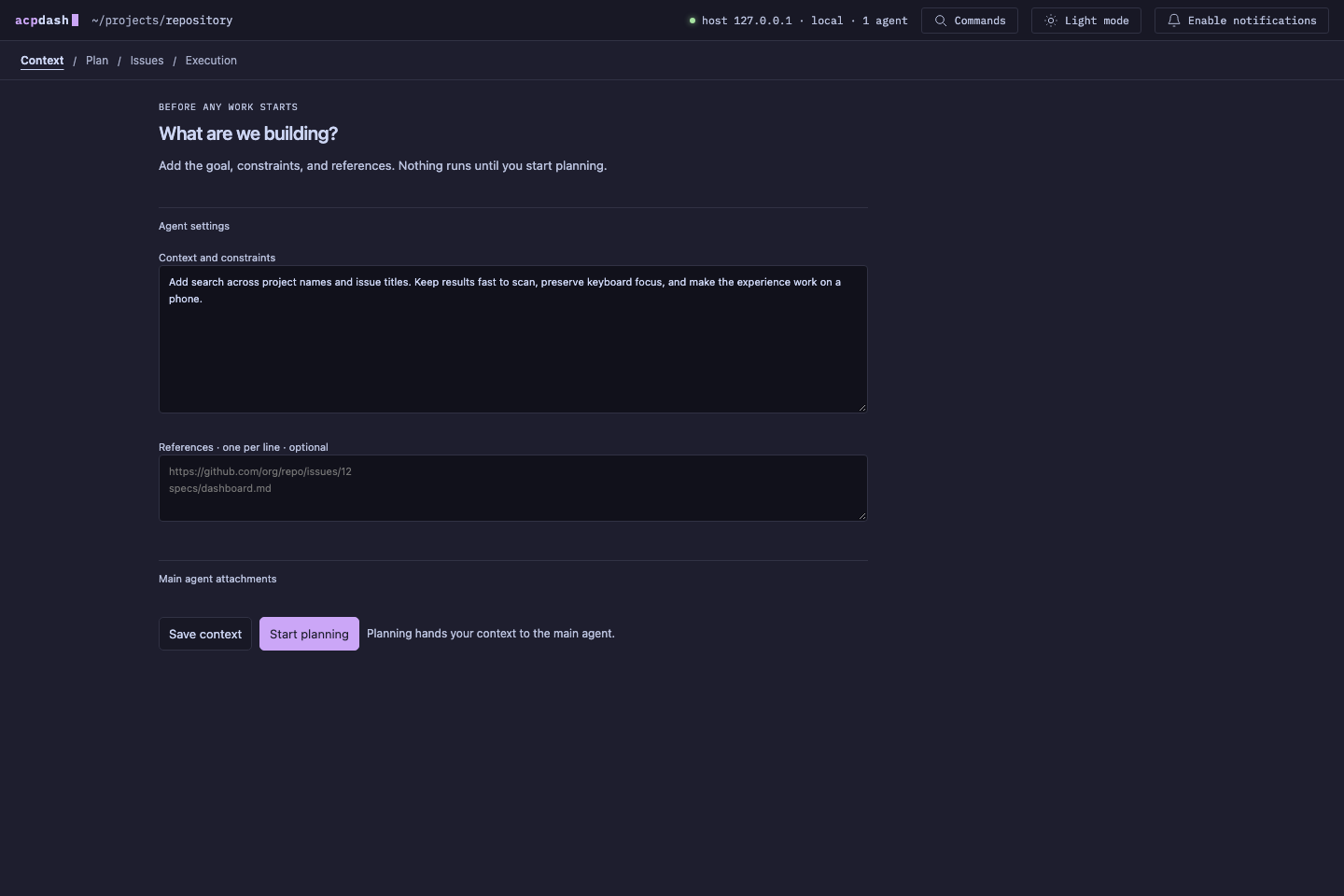
Give a project its repository, brief, references, and attachments before work begins.Demo project · real interface
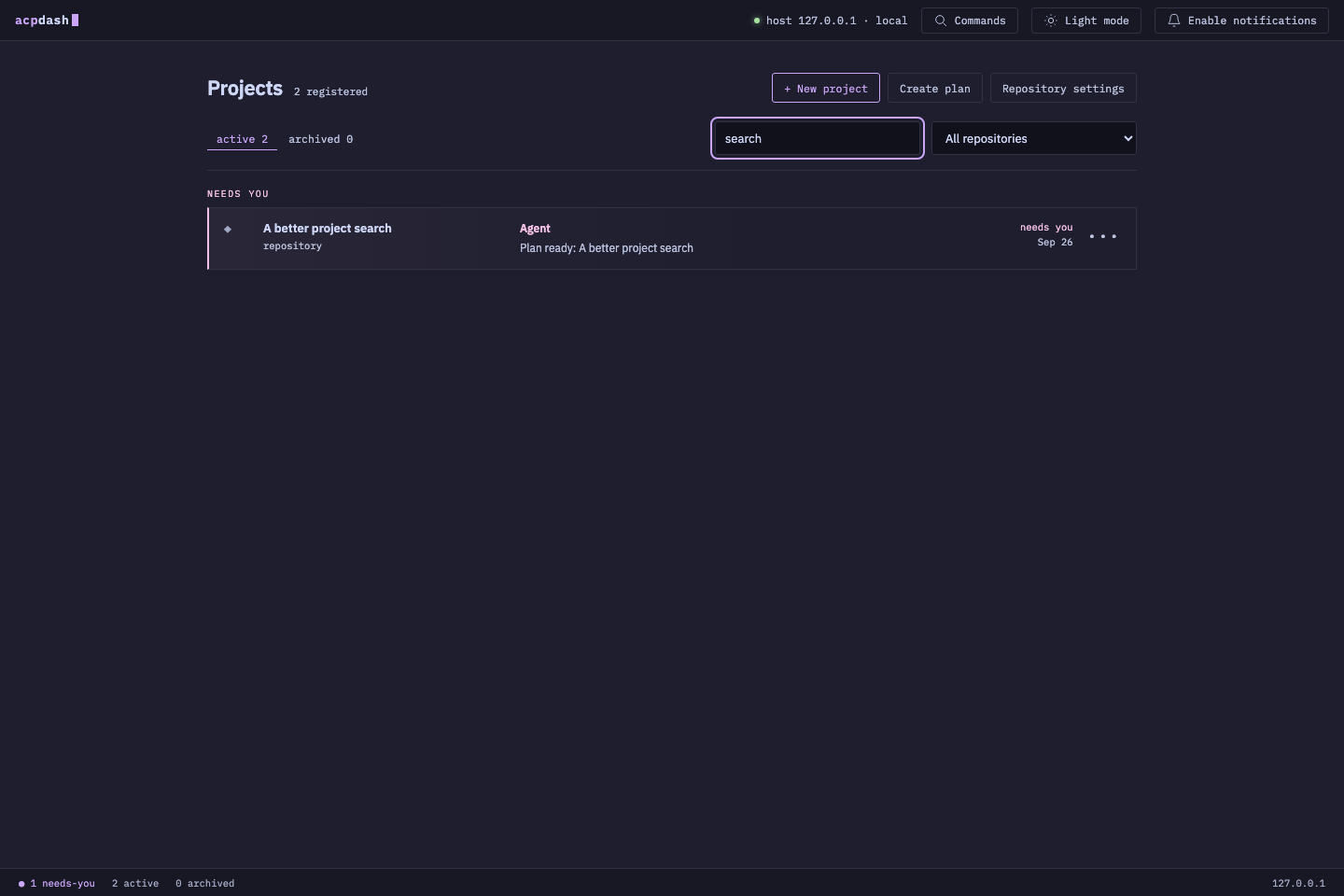
Return to active projects and see which conversations need your attention.Demo project · real interface
From a brief
to work you can verify.
Start with a quick task, bring in existing issues, or ask for a technical plan. ACPDash keeps the decisions and results attached to the work.
Agree on the plan.
Comment on exact passages. Approve the plan, then review the issues before implementation starts.
Context → Plan → IssuesLet the agents work.
Independent issues run in separate worktrees. Accepted results unblock dependent work, with stacked pull requests when needed.
Separate branches. Explicit dependencies.Open the evidence.
Inspect screenshots, previews, test results, and pull requests. Verification stays tied to the issue revision and tested commit.
Proof you can inspect.Close to your code.
Within your control.
The host runs on your machine with Bun, Git, and SQLite. Agents use your configured providers and work in local repositories. Open the dashboard in a browser or connect the native iOS client.
Explore the architecture →A readable manual.
Right beside the product.
Get a first project running, understand the workflow, or look under the hood.
Put your agents to work.
Clone the repository, install the dependencies, and start the host.
Check the requirements →git clone https://github.com/pmdroid/acpdash.git
cd acpdash
bun install --frozen-lockfile
bun startThen open 127.0.0.1:4317 in your browser.