Introduction
A self-hosted workspace for supervising coding agents, from the first brief to the tested result.
ACPDash brings local coding agents into one dashboard. Give an agent a repository and a task, review its plan, answer questions, and inspect the result. The host manages conversations, project worktrees, commands, attachments, and verification records.
Get running
Start with installation to run the host on macOS or Linux. Then follow the quickstart to connect a repository and create a project.
You need Bun, Git, SQLite 3.51 or newer, and a configured agent provider to run agents. You can open the dashboard before configuring a provider.
Choose how to start
| Starting point | Use it when |
|---|---|
| Quick work | You have a direct task and want the main agent to implement it. |
| Import issues | The scope already lives in GitHub or Linear. |
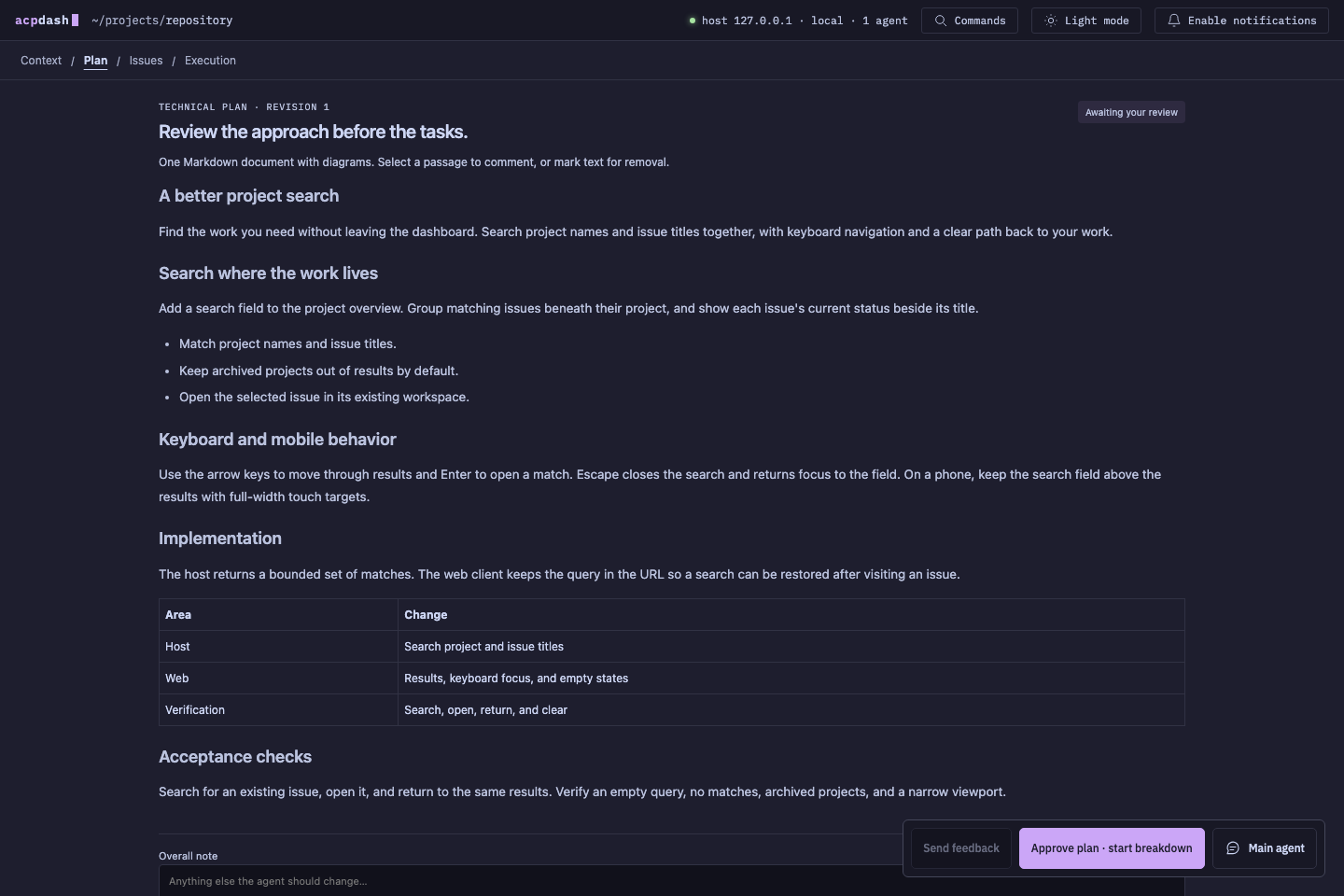
| Create plan | You want to review an approach and proposed issues before work starts. |
A project has a main agent. For approved issue work, that agent can coordinate children in separate Git worktrees. Independent issues can run together; dependencies control when subsequent work starts.
Understand the result
An agent’s message is part of the conversation. Verification is a separate record. ACPDash can attach completed test commands, optional Cucumber results, screenshots, previews, and pull requests to a result.
Verification identifies the tested commit and issue revision. Changes to a linked pull request can make earlier proof outdated. Read verification and proof for the acceptance rules.
Find the right reference
- Projects and workflow explains approval, dependencies, and feedback.
- Agent providers lists adapters and executable overrides.
- Preflight and retries covers required checks, failure limits, and recovery.
- Architecture describes the host, clients, and state.
- Configuration covers environment variables and storage.
- Remote and mobile access covers networking, previews, and iOS.
- Troubleshooting covers common setup failures.
These guides describe the implementation in this repository. The source code and repository README are available alongside them.